Import your data
Start from a structured Excel or CSV file instead of manually re-entering each reporting record.
Prepare Affordable Care Act coverage records in Windows software. Import data, review required fields, prepare recipient information, and organize the electronic filing workflow for IRS AIR.
ACA software: $299. Optional ACA filing service: $349, sold separately. Questions? 608-444-6575
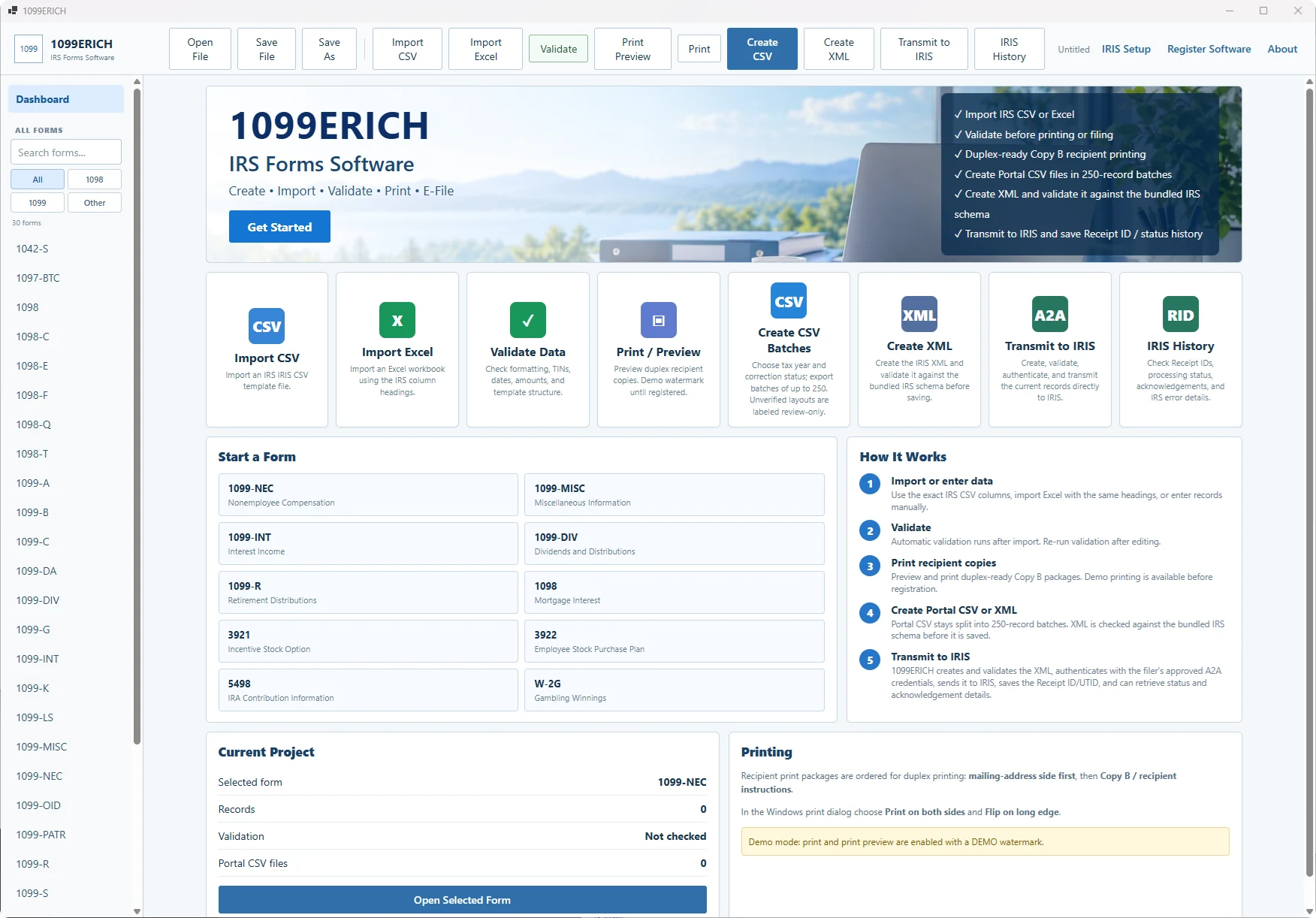
Representative 1099ERICH interface; ACA data-entry screens and form fields differ.
A focused workflow for coverage reporting, from employee/covered-individual information to filing preparation.
Start from a structured Excel or CSV file instead of manually re-entering each reporting record.
Check names, coverage months, employee records and applicable form details before preparing output.
Use the appropriate ACA reporting workflow. AIR access and electronic submission are separate from 1099 IRIS.
Start with the reporting obligation that applies to your organization. Both use IRS AIR for electronic submission.
For qualifying minimum essential coverage reporting. Organize responsible-individual information, covered-individual records, and coverage months.
For employer-provided health coverage reporting. Review employee records, monthly offer-of-coverage codes, and related ACA fields.
Transmittal forms 1094-B and 1094-C are part of the respective IRS AIR filing processes. Verify the files and tax-year outputs included in your purchased release.
Forms 1094-B/1095-B and 1094-C/1095-C use the IRS ACA Information Returns (AIR) system. They are not submitted through the 1099 IRIS portal.
Electronic filers need the appropriate IRS AIR access and must follow the tax-year schemas and business rules applicable to their submission method.
Review official IRS AIR requirements ↗No. ACA Forms 1094/1095-B and 1094/1095-C use IRS AIR, a separate filing system.
Form 1095-B generally reports minimum essential health coverage. Form 1095-C generally reports employer offers of coverage for applicable large employers. Your filing requirements determine which form applies.
No. Those record-based prices are for the 1099 IRIS software. Contact ERICH for the separate ACA software price and purchase link.
No. Your organization remains responsible for the necessary AIR credentials, submissions, and acknowledgment handling.
Choose 1095-B or 1095-C, then request the appropriate purchase link.
ACA is a separate Windows product for Forms 1095-B and 1095-C. The preparation workflow imports Excel files, reviews coverage records, and supports recipient-form printing. The ACA program is not an IRS IRIS CSV product.
Electronic ACA submission uses the IRS AIR system. AIR XML manifest and data files are tax-year and release dependent. Before relying on a particular installation for tax year 2026 submission, confirm that its output supports the current AIR schemas, the applicable Form 1094 transmittal, and the filing method you intend to use. Purchasing software alone does not submit returns to the IRS.
Software and filing service are separate WooCommerce products. The filing service requires secure intake and confirmation of scope.
Separate ACA program; Excel source import and print preparation. Confirm AIR manifest/data XML compatibility for the tax-year release before submitting.
Check download and trial information · Read software terms · Contact support