Up to 1,000 records
$149
All supported IRIS forms and CSV import tools.
Buy Starter — $149Prepare more information returns in less time. Import Excel or CSV, validate records, print recipient copies, and create IRS IRIS CSV files for upload through your own free IRS portal account.
One Windows program, two fixed-price licenses for up to 5,000 records, with custom quotes for larger volumes.
Options for supported IRS IRIS forms and CSV import tools.
All supported IRIS forms and CSV import tools.
Buy Starter — $149All supported IRIS forms and CSV import tools.
Buy Business — $249Tell us the record allowance you need.
Call for QuoteOne record is one recipient form included in a created IRIS CSV filing file. The 250-record portal CSV size is separate from your license allowance. See counting examples.
Use these browser tools for one step of your filing workflow before choosing a Windows software license.
Download the Windows installer and test the software using sample information. You do not need to send your tax data to us.
Download / Try Now →Choose Starter ($149) or Business ($249) and continue to secure checkout. Each software product is purchased and activated separately.
Compare plans and purchase →After payment, follow the instructions on the order confirmation page for registering your Windows installation. Enter the Machine ID where requested.
Call 608-444-6575 →Keep Social Security numbers and recipient files on your computer. Do not email tax data when requesting an order or passcode.
A return included when you create an IRIS CSV filing file counts toward your license allowance. Records across supported form types and payers share the same total allowance.
600 Forms 1099-NEC plus 200 Forms 1099-MISC = 800 records. This is within the 1,000-record Starter license. They produce separate CSV batches for each form type.
A 1,000-record license can generate multiple portal-ready CSV files, up to 250 records per file where supported. You upload them yourself using your IRS IRIS Taxpayer Portal account.
Re-exports and corrections: Their effect on your record allowance has not yet been confirmed for the current Windows build. Call 608-444-6575 or email us before purchasing if you expect to regenerate or correct filings.
Browse the full information-return form list below. Select a form to see its software features, filing details, and screenshot. Every IRIS software plan includes the same supported forms and tools; you choose the record allowance that fits your filing volume.
These 35 form pages cover the 1099 IRIS information-return software catalog. For ACA Forms 1095-B/1095-C and employee Form W-2, see their separate software programs. View all software programs →
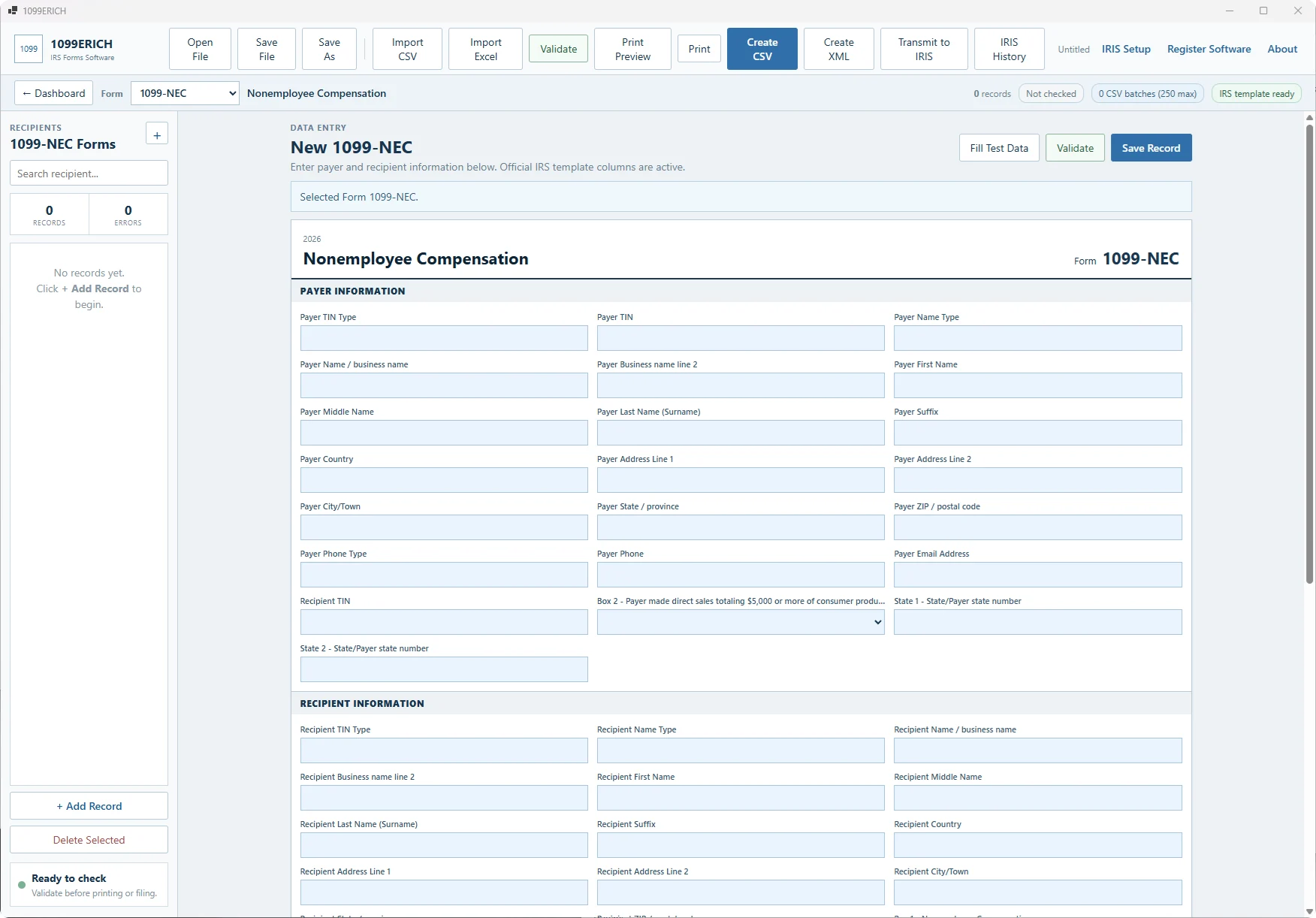
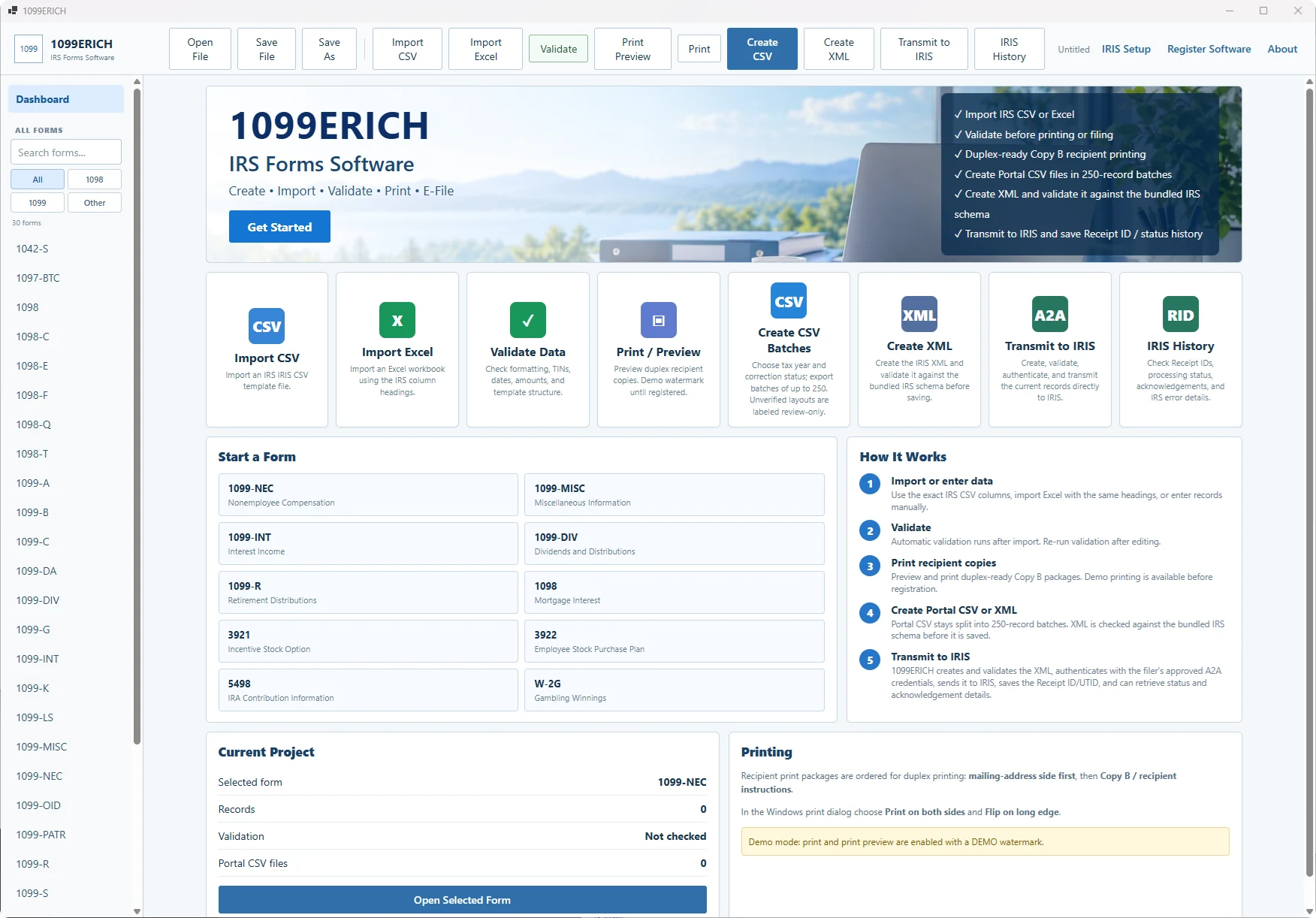
Bring your payer and recipient records into 1099ERICH instead of retyping them.
Review the data and catch formatting or required-field issues before creating filing files.
Print Copy B and other recipient forms.
Create portal-ready CSV batches of up to 250 records.
Upload CSV files through the free IRS portal.
Quick answers about software plans, CSV files, and using the IRS IRIS Taxpayer Portal.
Yes. The IRS describes the IRIS Taxpayer Portal as a free, web-based filing system. To use your own portal account, you apply for IRIS access and an approved IRIS Transmitter Control Code (TCC).
1099ERICH imports Excel or CSV data, validates information returns, prints recipient copies, and creates IRIS-ready CSV batches for you to upload through the free IRS IRIS Taxpayer Portal.
For the 2026 filing season, IRS guidance allows up to 250 records in a CSV file. The Taxpayer Portal accepts one form type per CSV file, and you may upload as many CSV files as needed. Always verify current IRS guidance before filing.
No. 1099ERICH prepares and validates the CSV files. You upload the files through your own free IRS IRIS Taxpayer Portal account.
Sign in to your own IRS IRIS Taxpayer Portal account and upload the CSV files prepared by 1099ERICH. You need approved IRIS Taxpayer Portal access and a TCC.
The 1099 IRIS software covers the information-return forms listed above, including the 1097-BTC, 1098, 1099, 3921, 3922, 5498 and W-2G families. Select any form above for details. ACA Forms 1095-B/1095-C use our separate ACA software and IRS AIR; employee Form W-2 uses our separate W-2 software and SSA filing.
Each recipient information return included in generated IRIS CSV output counts as a filing record. Form types and payer companies share the purchased allowance. For example, 600 Forms 1099-NEC and 200 Forms 1099-MISC use 800 of your record allowance. See the counting examples. Contact us about repeated exports or corrections before ordering.
Import Excel/CSV, review records and create files for your own IRS IRIS portal upload. The Starter and Business licenses differ by total record allowance; both use the same supported forms.
Check download and trial information · Read software terms · Contact support